
Completion Badge
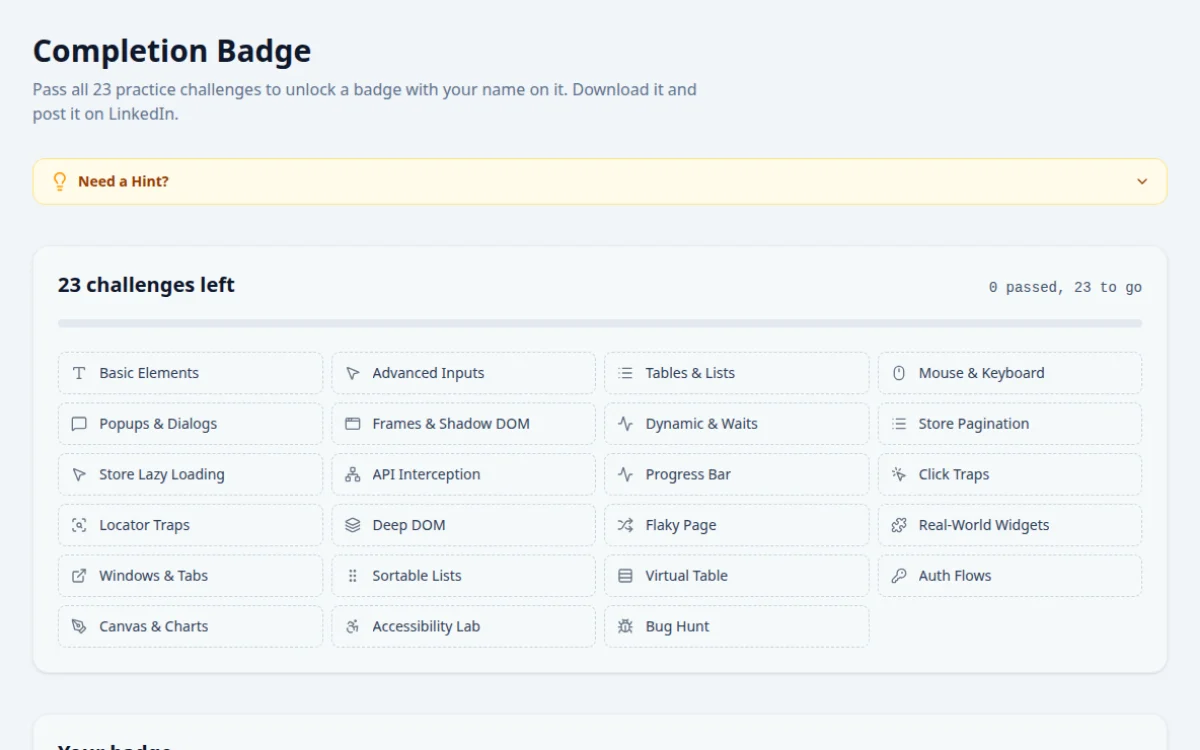
Pass all 23 practice challenges to unlock a badge with your name on it. Download it and post it on LinkedIn.
23 challenges left
0 passed, 23 to go
- Basic Elements (not passed yet)
- Advanced Inputs (not passed yet)
- Tables & Lists (not passed yet)
- Mouse & Keyboard (not passed yet)
- Popups & Dialogs (not passed yet)
- Frames & Shadow DOM (not passed yet)
- Dynamic & Waits (not passed yet)
- Store Pagination (not passed yet)
- Store Lazy Loading (not passed yet)
- API Interception (not passed yet)
- Progress Bar (not passed yet)
- Click Traps (not passed yet)
- Locator Traps (not passed yet)
- Deep DOM (not passed yet)
- Flaky Page (not passed yet)
- Real-World Widgets (not passed yet)
- Windows & Tabs (not passed yet)
- Sortable Lists (not passed yet)
- Virtual Table (not passed yet)
- Auth Flows (not passed yet)
- Canvas & Charts (not passed yet)
- Accessibility Lab (not passed yet)
- Bug Hunt (not passed yet)
Your badge
23 tiles to fill.
Every challenge you pass ticks a tile on your badge. Pass the dashed ones in the list and the badge unlocks for download.
Progress is saved in this browser.
The badge records self-paced practice. It is not a formal or accredited qualification, and nothing is sent to a server.
About this Completion Badge page
The QA Playground completion badge is a free image you unlock by passing every automation challenge on the site. Each challenge needs a real Selenium, Playwright or Cypress script against a live page, and your progress is saved in your browser. The badge records self-paced practice. It is not an accredited qualification such as ISTQB.
Frequently asked questions
How do I unlock the QA Playground badge?
Pass every challenge on the practice hub. The badge page shows each challenge as a tile and turns it yellow once it passes. When every tile is yellow, type your name and download the badge.
Is the badge free?
Yes. There is no fee, no sign-up and no email. The badge is drawn in your browser, and your name is never sent to a server.
Is this a QA certification?
No. It shows you finished hands-on practice tasks, not that you passed a proctored exam. Use it to share your progress, and point to your test code on GitHub as the real evidence of skill. For a formal credential, look at ISTQB Foundation Level.
Does my progress save if I close the browser?
Progress is saved in your browser's local storage, so it survives closing the tab. It is lost if you clear site data or switch browsers or devices, so finish and download in the same browser.
How do I share the badge on LinkedIn?
Download the badge, then click Post on LinkedIn. A new post opens with text filled in. Add the downloaded image to the post and publish it.
Free developer tools on Randomly.online
QA Playground is part of Randomly.online. These tools help while you write and debug tests: